How to install additional languages
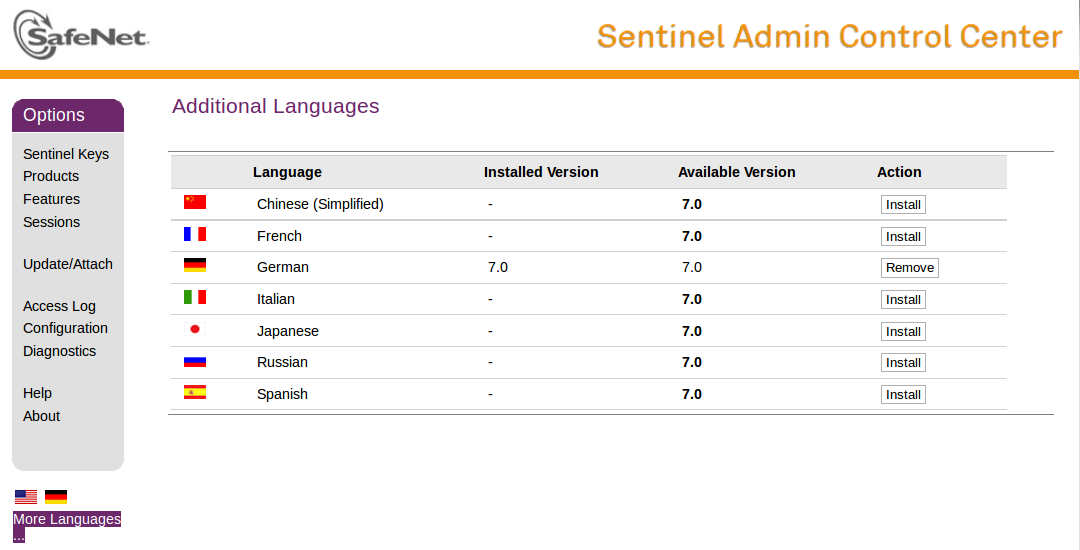
The Additional Languages page lists all the languages in which the Admin Control Center can be displayed.
Just press the
Install button to install an additional language pack.
After installation you will see the language icons in the bottom left corner and will be able to change the language.