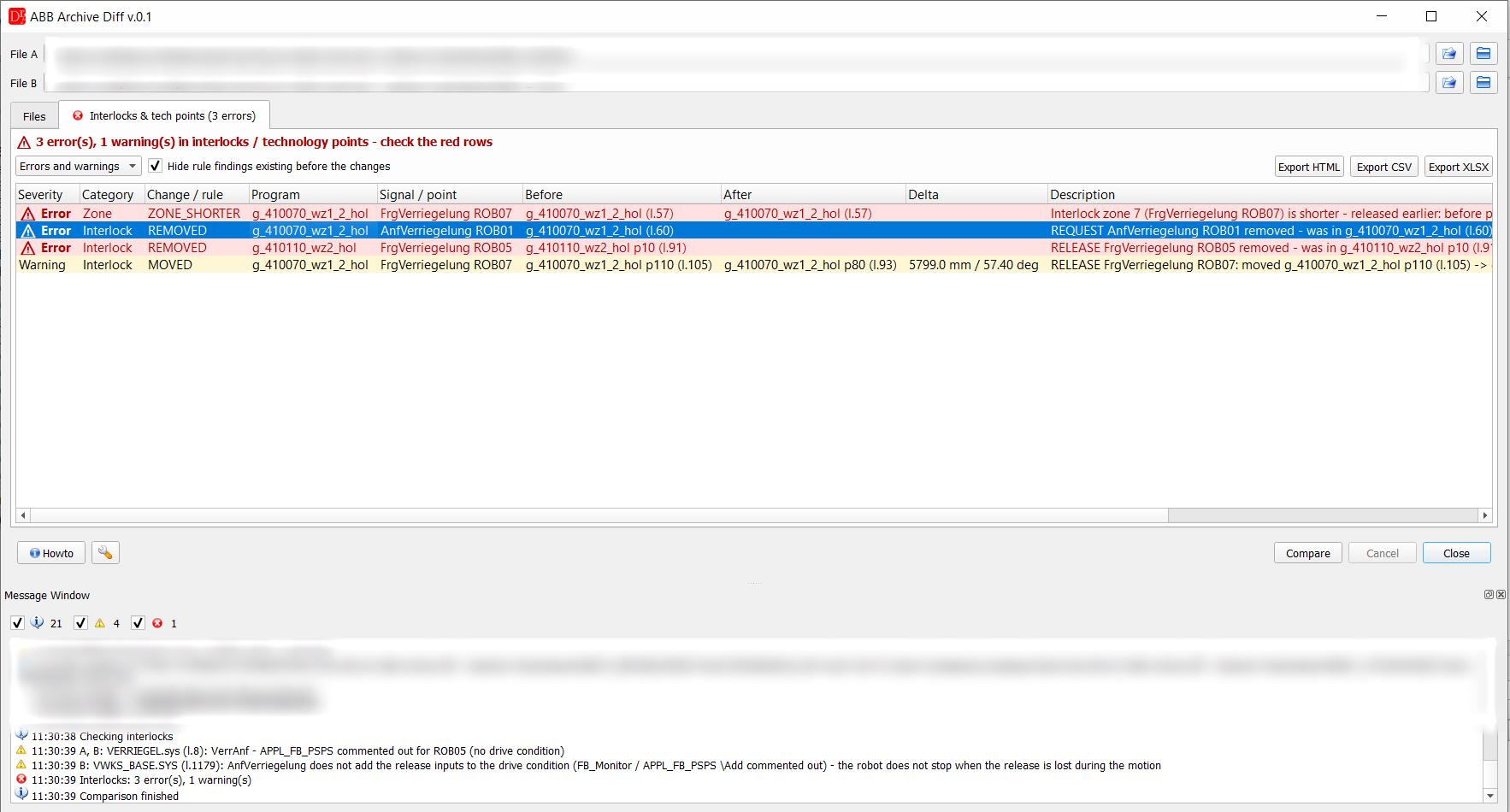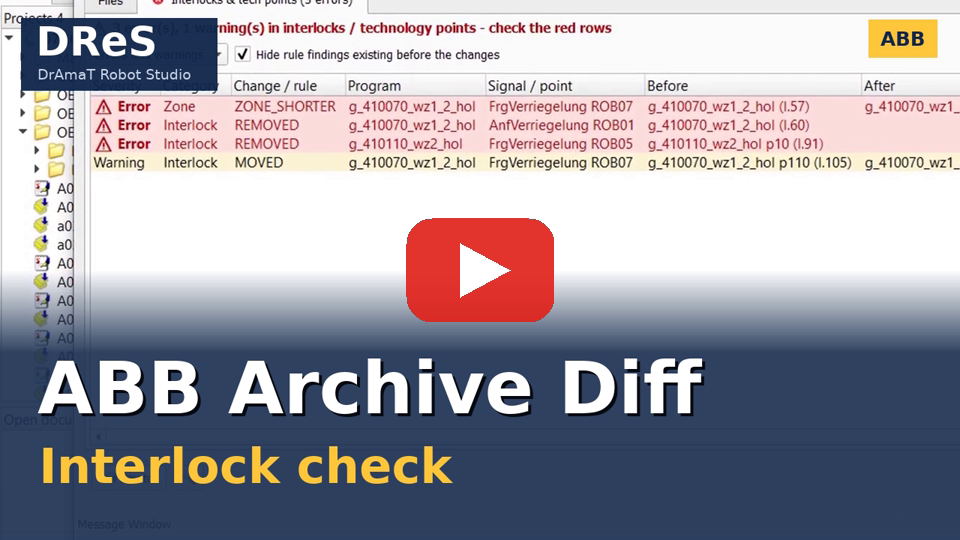
 DReS - ABB Archive Diff: Interlock Check - AnfVerriegelung, FrgVerriegelung and System Modules (YouTube, English)
Select a ZIP backup, system.xml of an unzipped backup or the backup folder (button Select backup folder or drag and drop - system.xml is searched in the folder) for both robots and press Compare.
A ZIP backup is unzipped to a temporary directory which is deleted automatically.
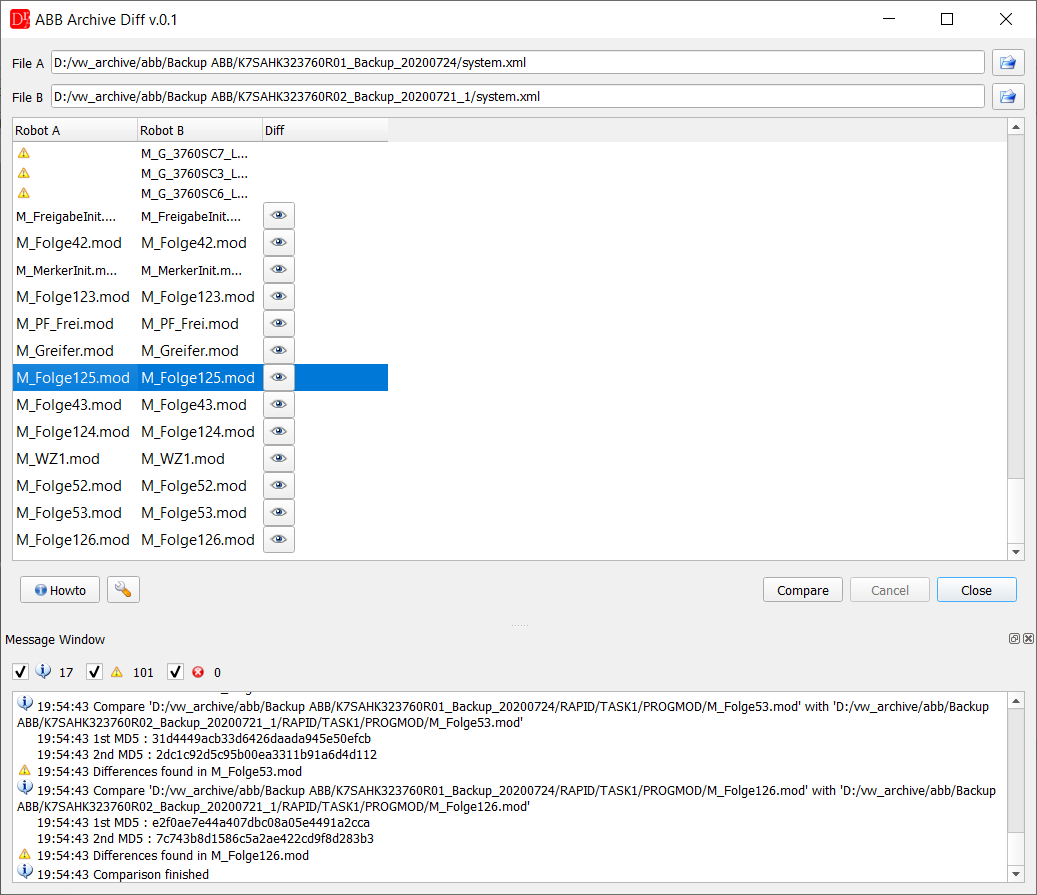
Modules found only in one backup are marked with a warning, modules with differences have the Show diffs button
Module (*.mod) files are searched for recursively in both backups and matched automatically, regardless of the folder they are located in.
Files present in only one of the backups are listed and reported as missing on the other side.
The Show diffs button opens the ABB Diff window for the module (or a plaintext comparison, depending on the settings).
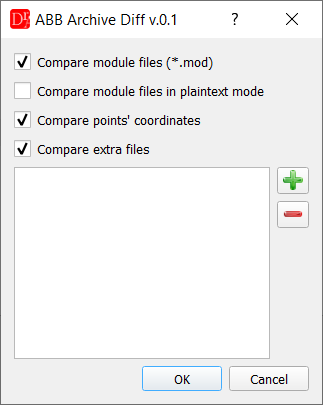
In the plugin's settings the user can choose whether to compare module files, whether to compare them in plaintext mode instead of using the ABB module editor, whether to also compare points' coordinates and which additional files should also be compared - the user adds their relative paths manually, since ABB backups do not keep tool / work object data in a fixed, separate file.
Interlocks
After Compare the plugin also compares the interlocks of the VW standard (AnfVerriegelung ROB01, FrgVerriegelung ROB01) of both backups and checks the interlock procedures of the system modules (drive condition FB_Monitor \Add, waiting for the release). The results are in the tab Interlocks & tech points, the option Check interlocks is in the settings of the plugin. Details: Archive Diff - interlocks.