Settings → Configure → Yaskawa
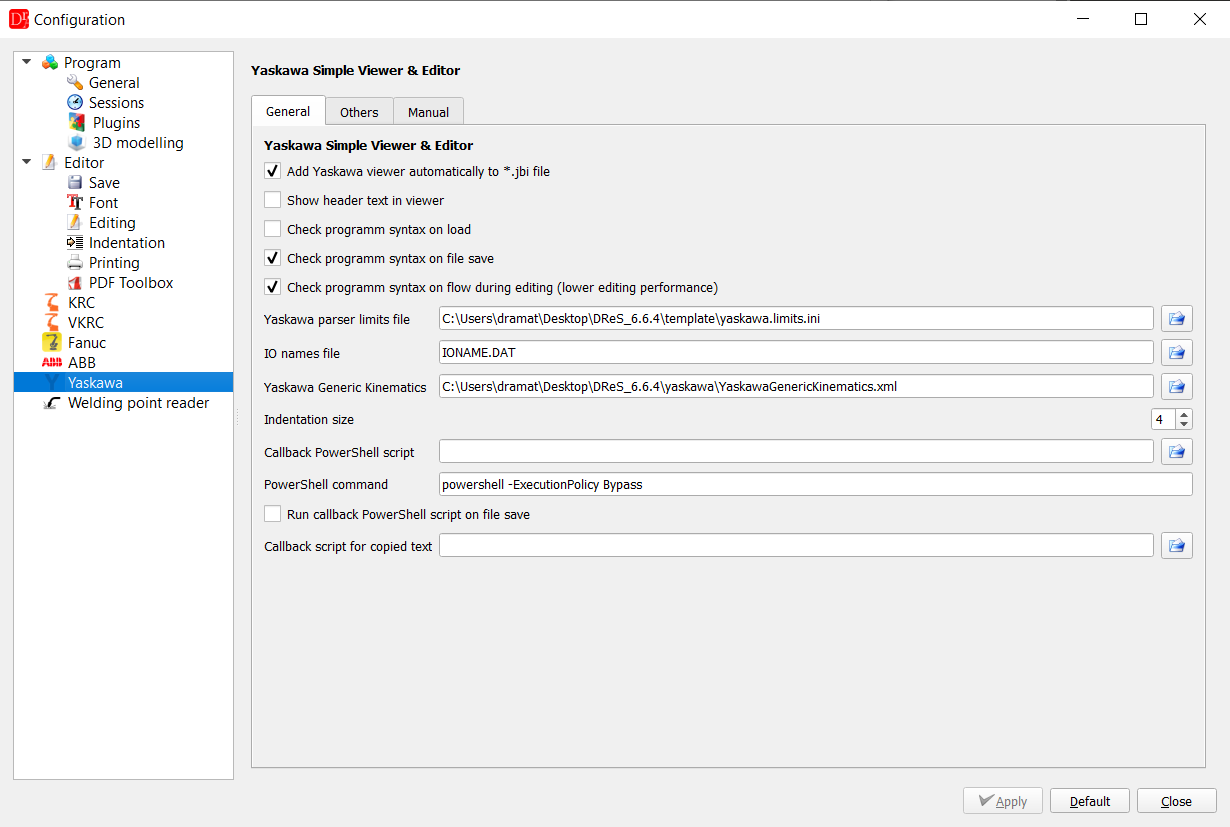
| General | Meaning |
| Add Yaskawa viewer automatically to *.jbi file | jobs open in the Yaskawa viewer |
| Show header text in viewer | header of the job (//POS ...) shown in the text |
| Check programm syntax on load | full syntax check when a job is opened (default off) |
| Check programm syntax on file save | syntax check before saving (default on) |
| Check programm syntax on flow during editing | markers updated while typing - once after a pause of 0.5 s, also after Ctrl+Z / Ctrl+Y (default off; requires the Yaskawa licence) |
| Yaskawa parser limits file | value ranges used by the syntax check (template/yaskawa.limits.ini) |
| IO names file | file with the names of the inputs and outputs in the backup (IONAME.DAT) |
| Yaskawa Generic Kinematics | geometry of the robots (yaskawa/YaskawaGenericKinematics.xml) |
| Indentation size | indentation of IF / WHILE blocks |
| Callback PowerShell script, PowerShell command, Run callback PowerShell script on file save |
script run after saving a job, e.g. to copy it to a network drive |
| Callback script for copied text | JavaScript formatting the text copied to the clipboard |
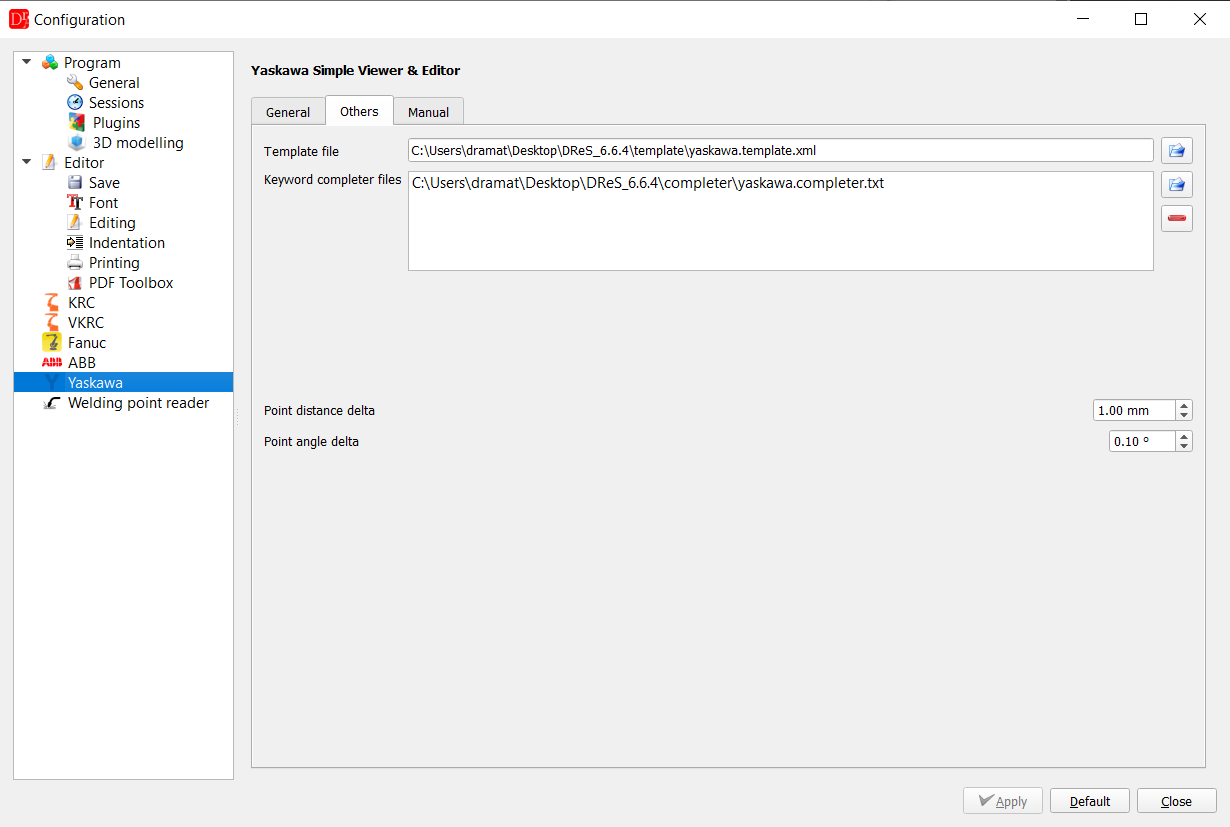
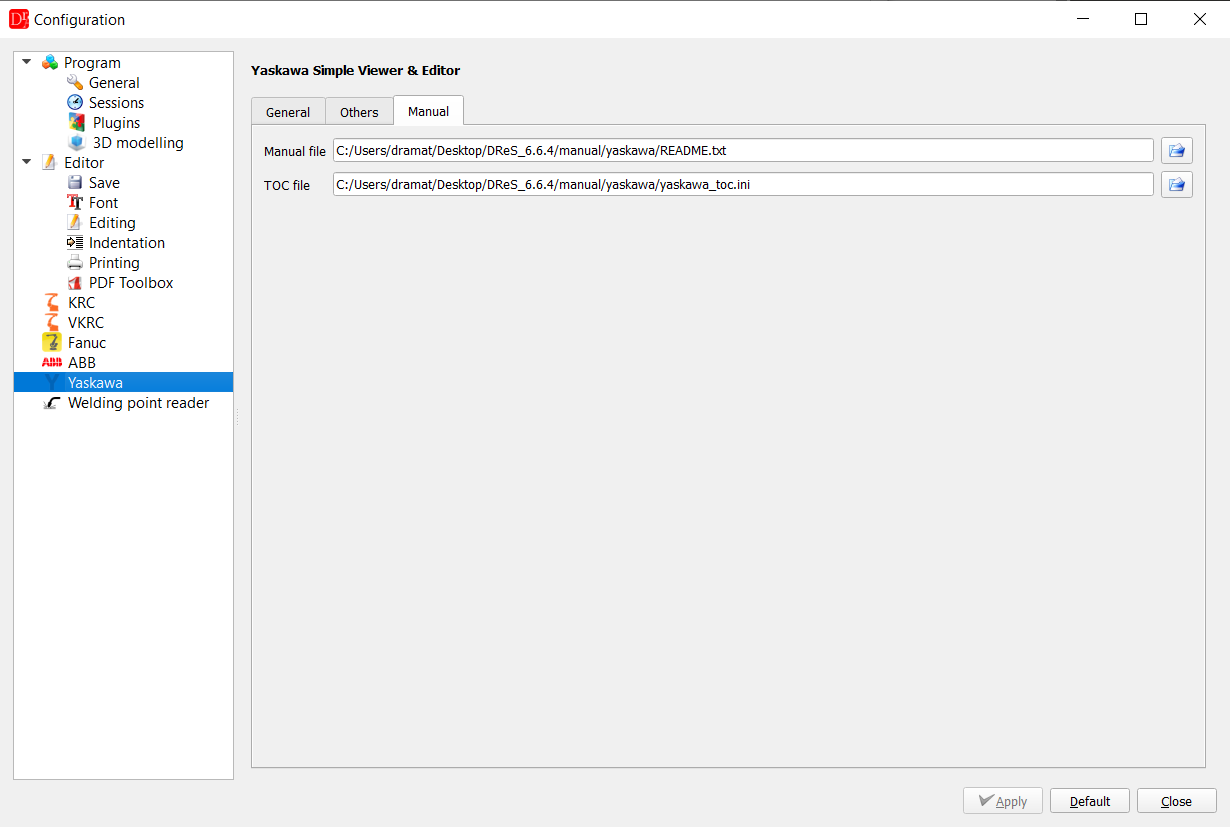
| Others / Manual | Meaning |
| Template file | templates of instructions (Yaskawa → Yaskawa Template) |
| Keyword completer files | word lists of the auto completion |
| Manual file, TOC file | INFORM manual opened with F1 on an instruction and its table of contents |
The point editor remembers in its own
Settings menu whether the 3D preview is shown,
together with the state of the 3D buttons, the calibration position and the window size.
- The geometry of the XML file is nominal. Only models marked verified were compared
with a controller - check the result of a new robot type on the teach pendant before relying on it.
- Rx, Ry, Rz follow the Yaskawa convention R = Rz·Ry·Rx.
- The BASE frame is taken equal to the ROBOT frame. For a robot on a travelling base axis or
gantry (///GROUP1 RB1,BS1) BASE and user frame coordinates include
the position of the base axis, which is not modelled yet: only the ROBOT frame is offered,
BASE and USER points of such a robot are reported as not supported (not calculated, not drawn).
- Installation: floor and ceiling (RO.PRM, 180°) are supported; for another installation angle
there is no kinematics - only axis values are shown.
RECTAN points in TOOL or MTOOL coordinates are shown, but not converted.
- Several axis solutions can have the same RCONF (offset wrist); the editor takes the one
nearest to the current axis values.
- The work envelope is a sphere with the reach of the robot, not the exact envelope.
- Global variables (VAR.DAT) are read only.
- The point editor changes existing points only. New PULSE points with their motion line are
added in the Robot 3D View (Add point, robot of
///GROUP1 only); otherwise copy an existing motion line and its point and change the point.
