
On-the-fly VASS Standard check
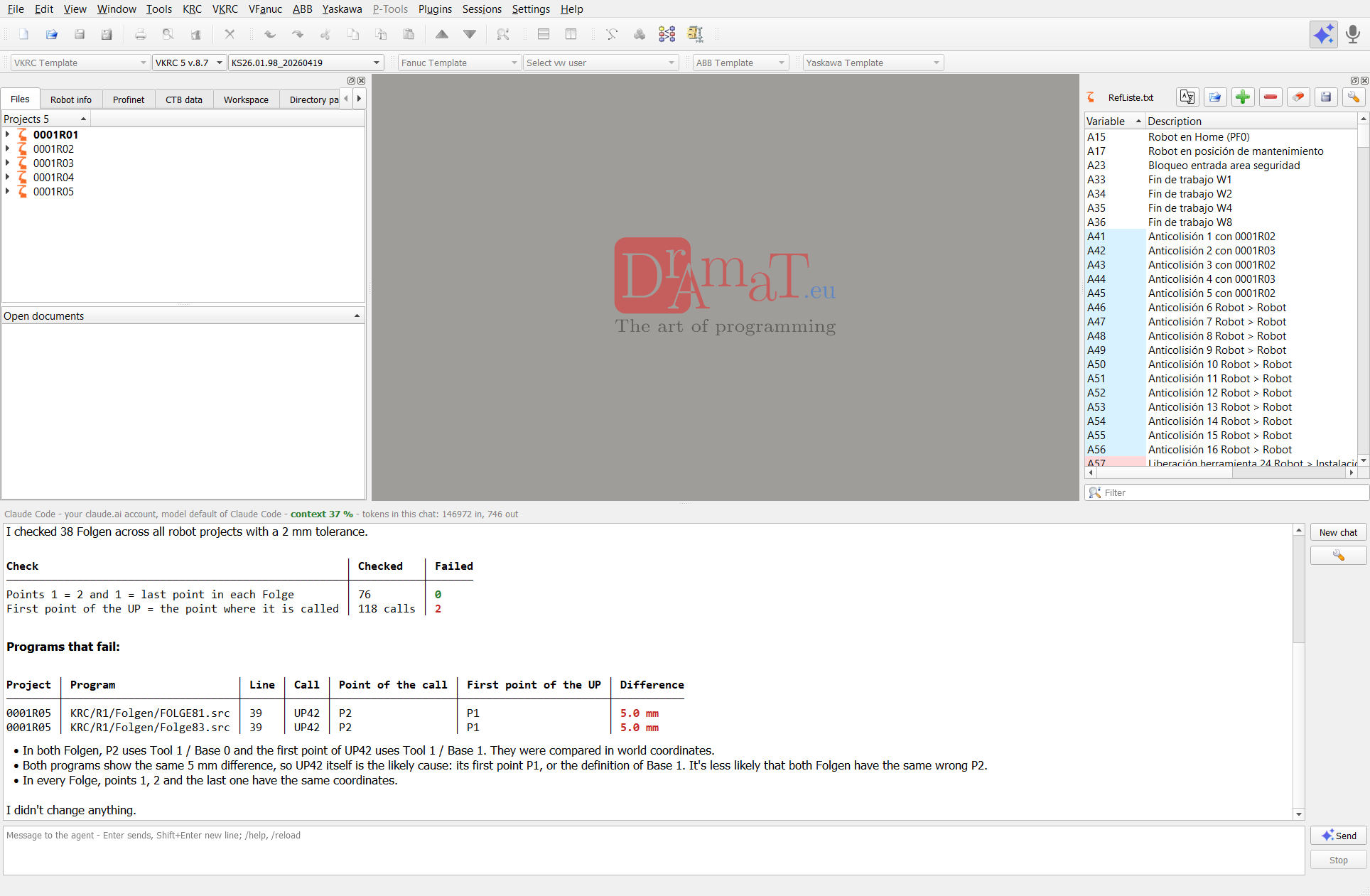
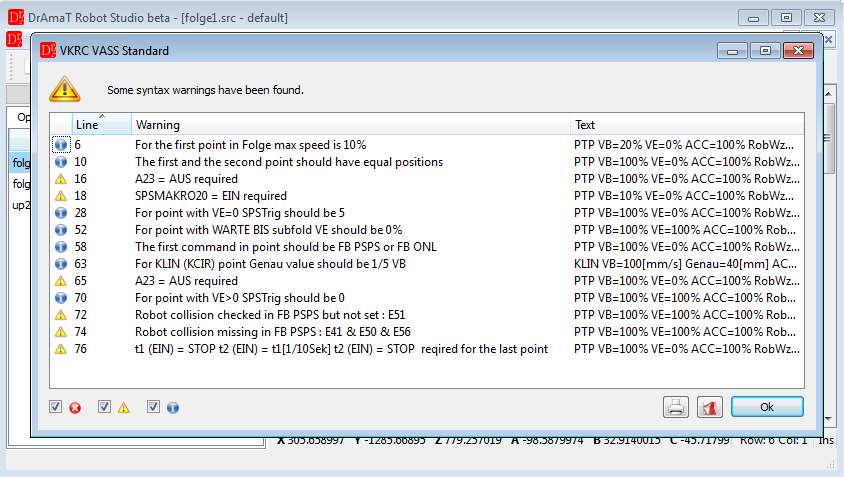
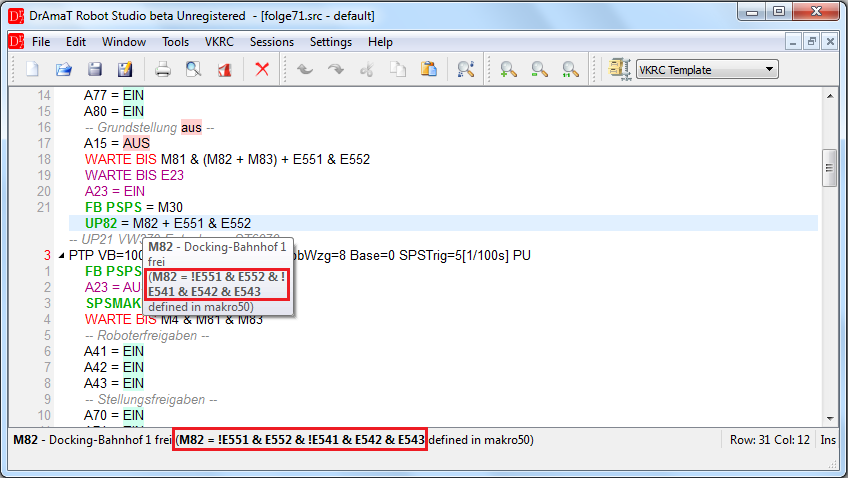
Speeds, accelerations, Folge structure, access requests, interlocks and welding-gun balance are validated while you type — against the VW standard, not just the syntax.
Four controller families in one tool: KUKA KRC and VKRC, Fanuc, ABB and Yaskawa. Write, validate and document robot programs at your desk — and catch standard violations before the robot moves.
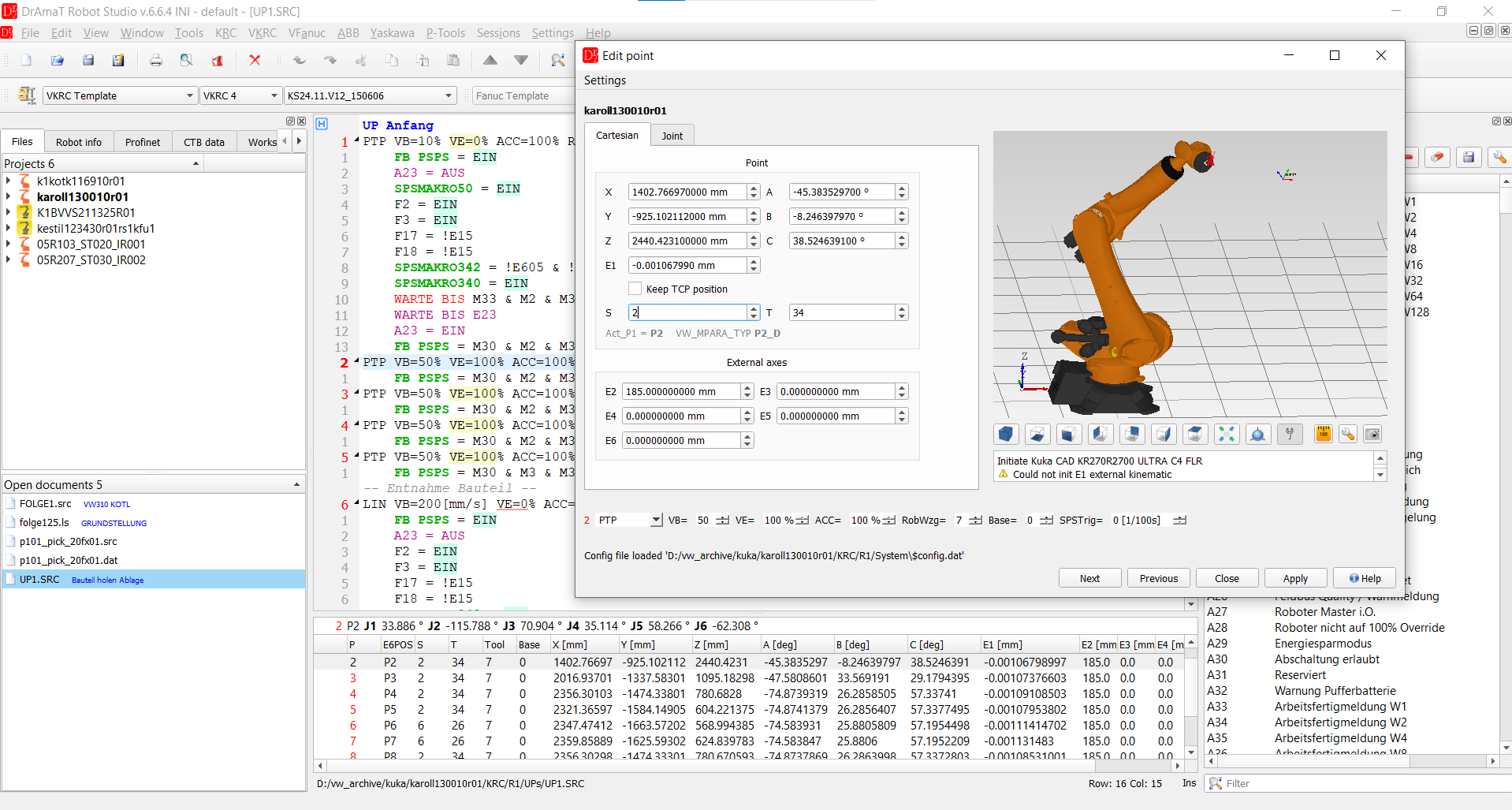



 KUKA KRC & VKRC · Fanuc & VFanuc · ABB · Yaskawa · iiQKA (coming soon)
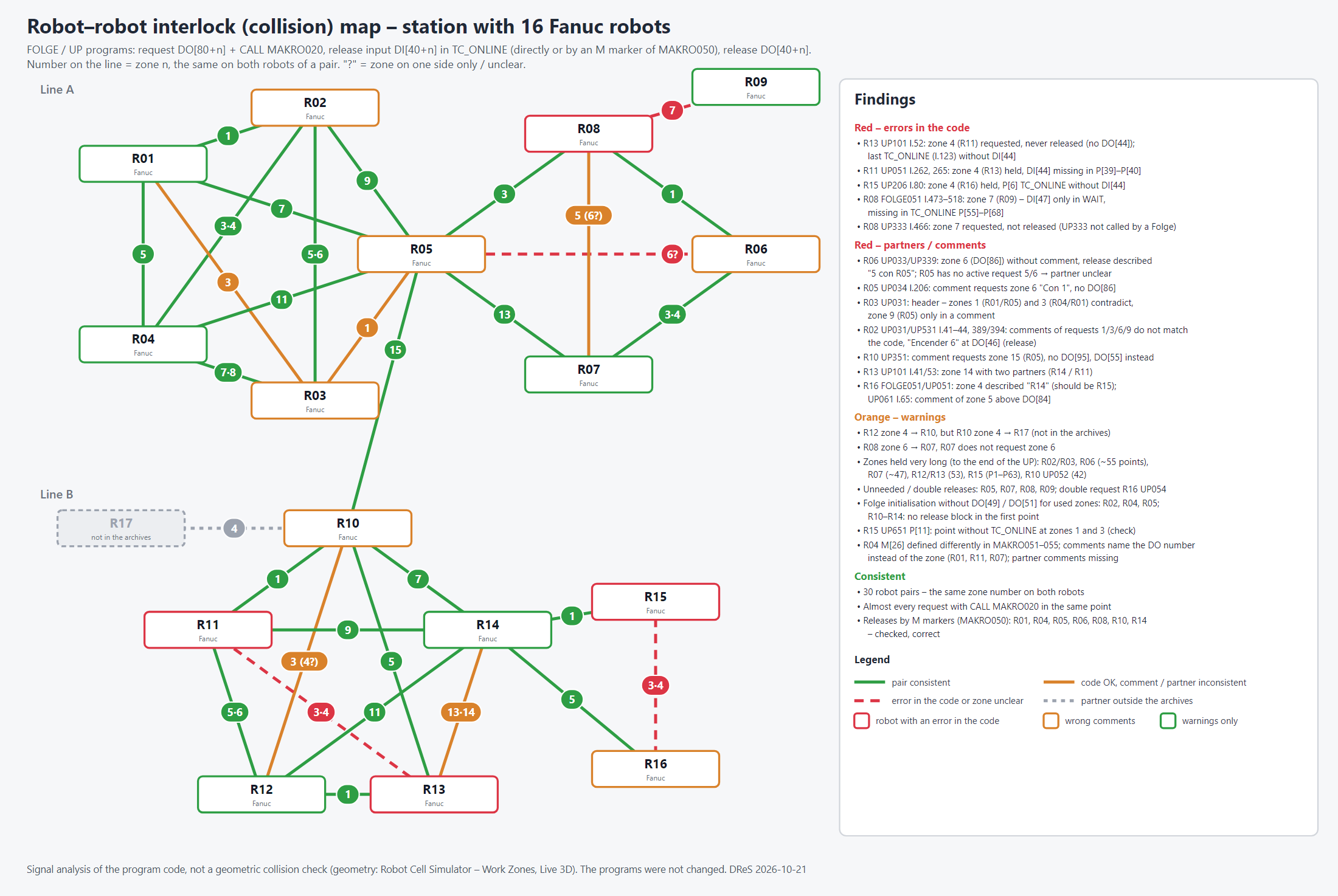
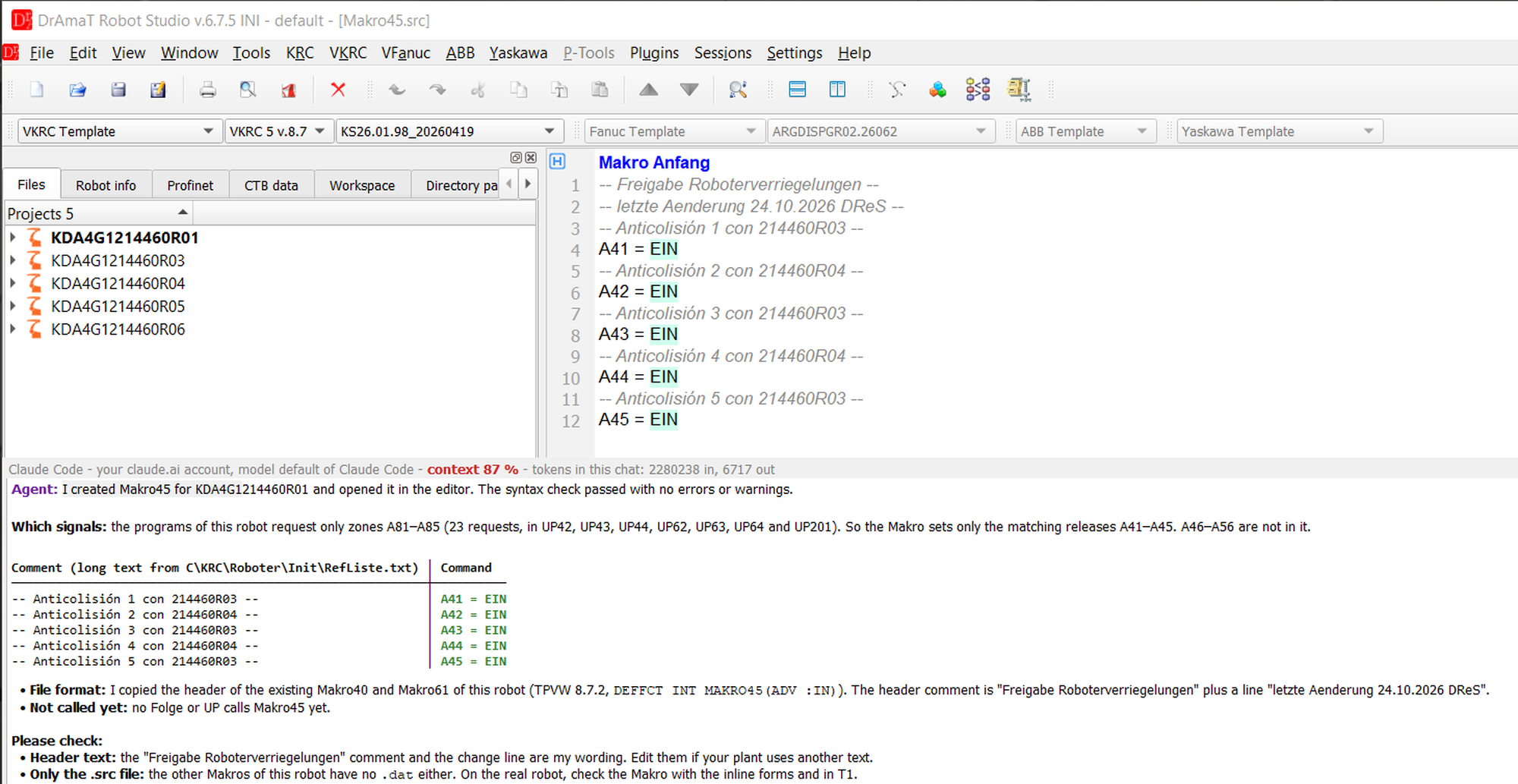
DReS is the first editor for VW-standard robot programs (VKRC, VFanuc) with a built-in AI agent — one agent for your KUKA, Fanuc, ABB and Yaskawa programs. You ask in plain words — the agent uses the functions of the editor itself, works on your existing programs and archives and answers with a short table and its conclusions.
You use your own access to an AI model: your own API key (Anthropic, OpenAI-compatible, e.g. VW LLMaaS), your own Claude account or a local model. The usage of the model is paid directly to your AI provider — DReS adds no AI fees and no usage limits of its own. The anonymous mode replaces robot names and paths before anything leaves your PC. Included in VKRC Expert and VFanuc Expert.
Every standard violation found offline is a line stop you never had to explain.
Speeds, accelerations, Folge structure, access requests, interlocks and welding-gun balance are validated while you type — against the VW standard, not just the syntax.
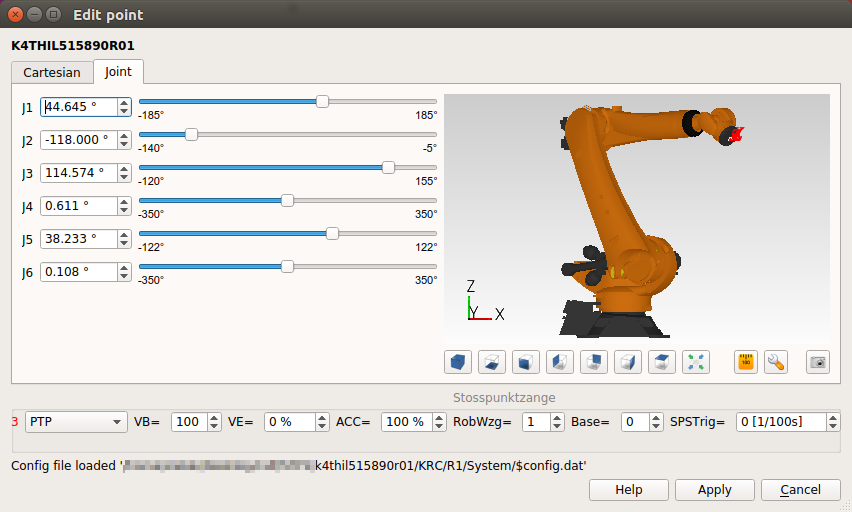
Load KUKA models and Process Simulate scenes, inspect the work envelope, walk the programmed path and recalculate point coordinates after a tool or base change.
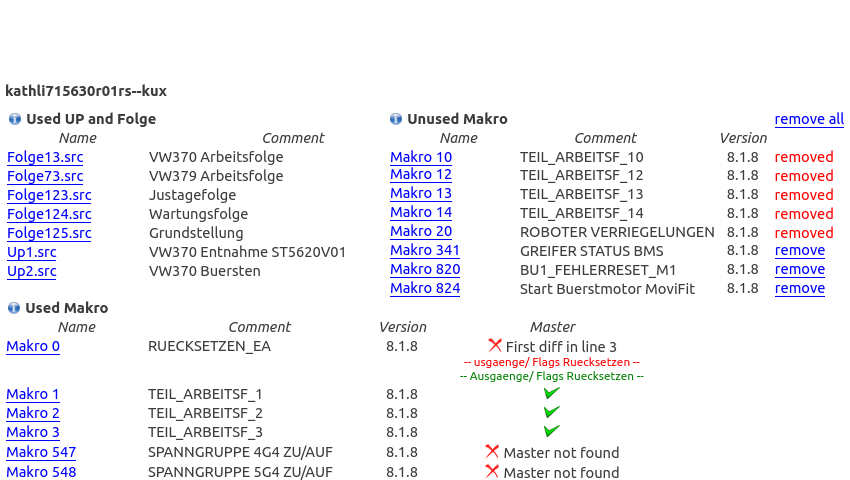
Generate cell documentation, long texts and E-Plan cross-references automatically, straight from the archive you already have.
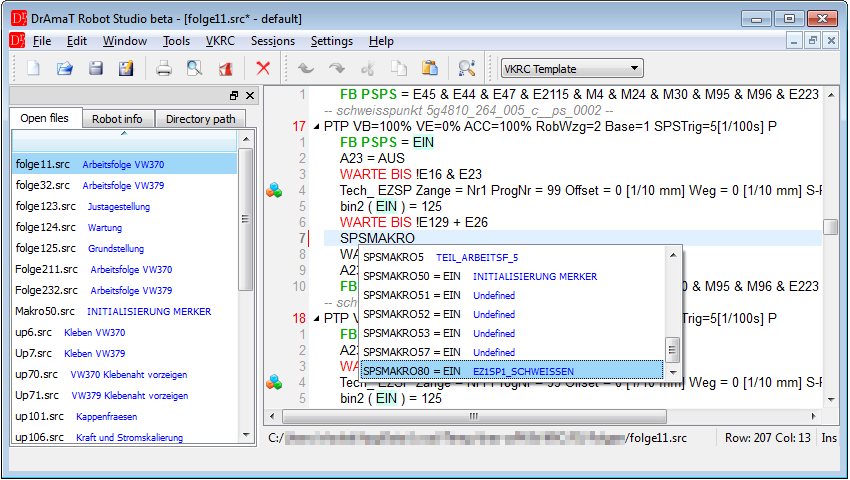
DReS is not a text editor with syntax colouring. It understands the controller, the archive and the standard behind them.
These are the rules DReS validates on every movement point, every Folge and every interlock — the ones that normally surface during commissioning.
Version 6.7, running on Windows.
Prices are net, per single standalone licence. Additional discounts apply to larger quantities.
New sales model since 1 January 2026. Selected packages are available in an annual subscription model only. If you bought a licence before that date and want to add plugins, contact us for an individual offer.
| Feature | Basic | Expert |
|---|---|---|
| AI agent chat in the editor, voice VeRa | ||
| Editing and saving all available VKRC controllers | ||
| Makro Makrosaw, Makrosps, Makrostep, Makrotrigger | ||
| Robot Cell Simulator cell simulation, collisions, interlocks | ||
| Documentation | ||
| OLP | ||
| Diff | ||
| Archive Diff | ||
| WPS | ||
| Calibration | ||
| Tech Updater | ||
| Compare files | ||
| Robot Data Spy | ||
| Data Integrity | ||
| Long Text Generator | ||
| E-Plan Reader | ||
| E-Plan SPS Reader |
AI agent only in Expert – with your own AI access, no AI fees from us.
per year, net
For KUKA robots programmed outside the VW standard — KRL source files straight from the controller archive, with 3D preview and file comparison. Buy the KRC and iiQKA packages together and save 25%.
| In the KRC package | Included |
|---|---|
| Editing and saving KRL programs of standard KUKA KRC controllers | |
| OLP 3D preview of the robot and its path | |
| Compare files | |
| Archive Diff in development | Planned |
Separate licence required. The KRC and iiQKA packages are licensed on their own. Neither is covered by a VKRC Basic or VKRC Expert licence.
| Feature | Basic | Expert |
|---|---|---|
| AI agent chat in the editor, voice VeRa | ||
| Editing and saving all available VFanuc controllers | ||
| Makro Makrosp*, Motn*, Makrostp | ||
| Robot Cell Simulator cell simulation, collisions, interlocks | ||
| Documentation | ||
| OLP | ||
| Diff | ||
| Archive Diff | ||
| WPS | ||
| Calibration | ||
| Tech Updater | ||
| Compare files | ||
| Robot Data Spy |
AI agent only in Expert – with your own AI access, no AI fees from us.
| Feature | Basic |
|---|---|
| Editing and saving | |
| OLP | |
| Diff | |
| Archive Diff | |
| Documentation | |
| WPS | |
| Rename points |
All prices are net prices for a single, standalone licence. Volume discounts available — ask for a quote.
Fill in the form and we'll email you a link to the download area.
Limits of the non-commercial version: the full syntax check and saving of modified files are disabled.
No email after a few minutes? Check your spam folder. Latest changes are listed in the release notes.
Tell us which controllers and packages you need — you'll get an individual quote.
Existing customer since before 1 January 2026 and looking to add plugins? Write to us and we'll prepare an individual offer.